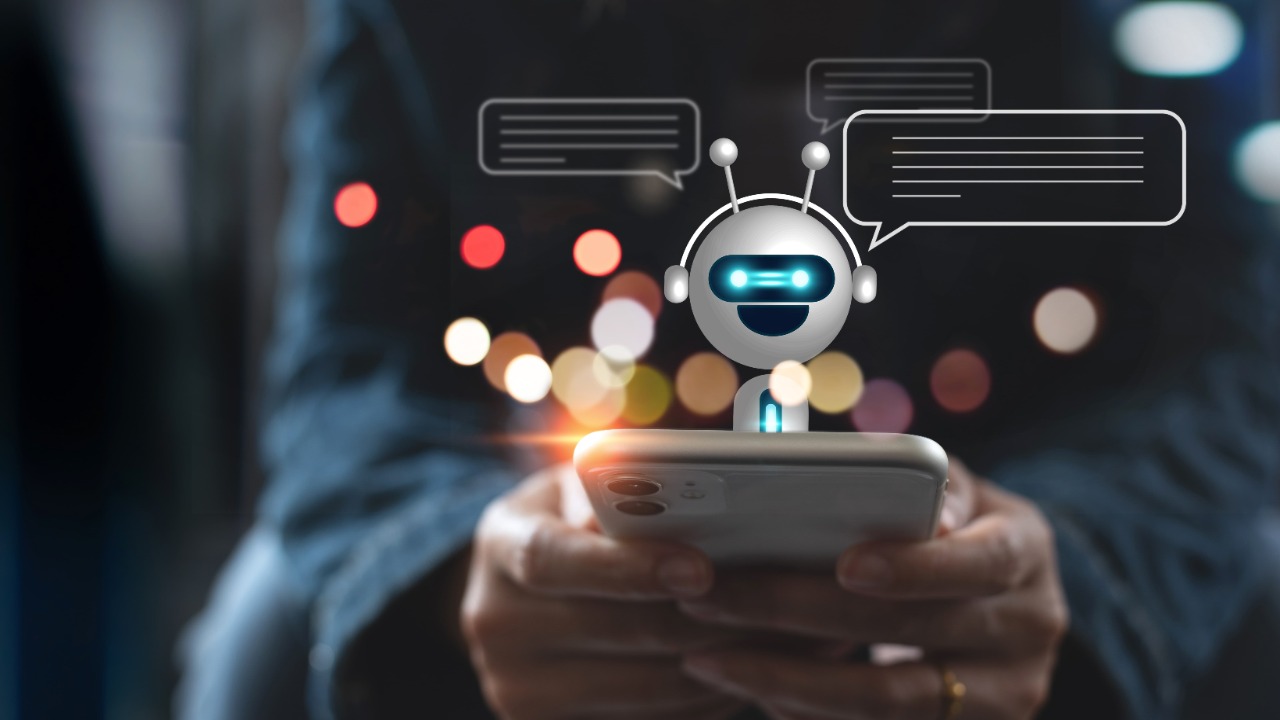
What is an AI Chatbot?
An AI chatbot is a computer program that uses artificial intelligence to simulate human conversation. You type or speak to it, and it replies in a way that feels natural. These bots are used for everything, from helping customers shop online to assisting with daily tasks like writing emails or answering questions.
But AI chatbots are more than just virtual helpers. Today’s chatbot AI models can understand tone, emotion, and even humor. They’ve become smarter, more personal, and much easier to use.
Why AI Chatbots Matter in 2025
In 2025, using an AI chatbot online isn’t just for tech experts or big companies. Regular people in the U.S. use them daily, on smartphones, in banking apps, for mental health support, and even to plan vacations.
Here’s why AI chatbots matter now more than ever:
-
Time-Saving: Quick replies, fast research, and automated help.
-
24/7 Availability: No waiting for office hours, AI is always on.
-
Personalized Experience: Many bots now learn your style and adapt.
Whether for work, shopping, or learning, these bots help people stay one step ahead.
The Best AI Chatbots in 2025: What’s New?
Just a few years ago, ChatGPT took the world by storm. Today, it’s just one of many impressive tools. The best AI chatbot free options now come packed with smart features, and many are available right in your browser.
After spending hours testing and chatting with different AI bots, here’s what’s clear:
-
ChatGPT (by OpenAI): Still a strong choice. Great for writing, coding help, and deep Q&A.
-
Claude (by Anthropic): Friendly and focused on safety. Good for long conversations.
-
Google Gemini: A rising star. Tied to Google Search and packed with smart features.
-
Perplexity AI: Like an AI-powered search engine. Great for quick facts.
-
Pi (by Inflection): Personal and supportive. Feels like a life coach.
Did You Know?
The release rate of new AI chatbots has slowed in 2025, but existing ones are getting more powerful with updates and new tools. Features like voice replies, emotion detection, and image generation are becoming the norm.
How to Use an AI Chatbot Online
Using an AI chatbot online is as simple as opening a web page or app. Most bots work in browsers, so no downloads are needed.
Here’s how to get started:
-
Pick a Platform: Choose a trusted site like ChatGPT, Claude, or Gemini.
-
Type a Prompt: Ask a question or give a task (like “Plan a 3-day trip to New York”).
-
Review the Reply: Check the bot’s answer and ask follow-up questions if needed.
-
Save or Share: Most bots let you copy or export results.
For mobile users, many AI chatbots have iOS and Android apps with voice and camera features.
Who Should Use a Chatbot AI?
AI chatbots are no longer just for tech lovers. They’re helpful for nearly everyone, including:
-
Students: For research help, summaries, and tutoring.
-
Small Businesses: For customer support and social media replies.
-
Writers & Creators: For content ideas, outlines, and editing help.
-
Everyday Users: For planning, reminders, recipes, and even therapy chats.
If you’re curious or overwhelmed by online info, a chatbot AI makes life easier.
Best AI Chatbot Free Options Right Now
Looking for the best AI chatbot free in 2025? Many powerful options don’t cost a penny for basic use.
|
Chatbot |
Free Features |
Why It’s Great |
|
ChatGPT Free |
GPT-3.5 access |
Fast, great answers, easy to use |
|
Claude Instant |
Conversational AI |
Feels natural, less robotic |
|
Perplexity AI |
No login needed |
Google-style searching with AI logic |
|
YouChat |
Integrated in browser |
Answers with sources and links |
Pro Tip:
Free versions are great for casual use. If you need heavy features like coding, advanced memory, or file uploads, consider paid tiers.
What to Look For in the Best AI Chatbot
Not all AI chatbots are equal. Here’s how to pick the right one for your needs:
1. Accuracy
Look for a chatbot that gives real answers, not just fluffy words.
2. Speed
The best AI chatbots reply fast without long load times.
3. User Interface
A clean and simple layout makes chatting easier.
4. Customization
Some bots let you teach them your tone and style.
5. Support for Images or Files
Newer bots can look at images or work with PDFs.
Can You Build Your Own AI Chatbot?
Yes, and it’s easier than it sounds! Platforms like ChatGPT and Google Cloud now offer tools where anyone can create a basic chatbot. You don’t need to be a coder.
With drag-and-drop tools and templates, you can build a customer service bot, personal planner, or even a game helper.
2025 Trend: More people are creating their own bots for websites, businesses, and personal use.
What’s Next for AI Chatbots?
AI chatbots are only getting smarter. In the next few years, expect:
-
Voice-first Bots: Like Siri but much smarter.
-
Emotion-Aware Bots: Reading your mood from tone or words.
-
Multimodal Features: Seeing, hearing, and understanding all at once.
-
Privacy Control: More local AI bots that don’t send data to the cloud.
As AI improves, chatbot AI will become a normal part of daily life, like using a GPS or texting.
FAQs
Q: Is an AI chatbot safe to use?
Yes, most major platforms follow strict privacy policies. Just avoid sharing personal data.
Q: Can AI chatbots replace humans?
No, they assist but don’t replace human judgment, empathy, or complex decision-making.
Q: Are free AI chatbots good enough?
For most tasks, yes! Premium features are for heavy users or professionals.
Final Thoughts: Should You Try an AI Chatbot?
If you’re in the U.S. and curious about AI, now’s the perfect time to try an AI chatbot online. Whether you’re a student, small business owner, or just looking to save time, the best AI chatbot free tools can boost your daily life without costing a cent.
The future of conversation is already here, and it’s just a click away. Even small gestures like saying “please” and “thank you” to an AI chatbot can have surprising costs, as revealed in this report by OpenAI’s CEO.