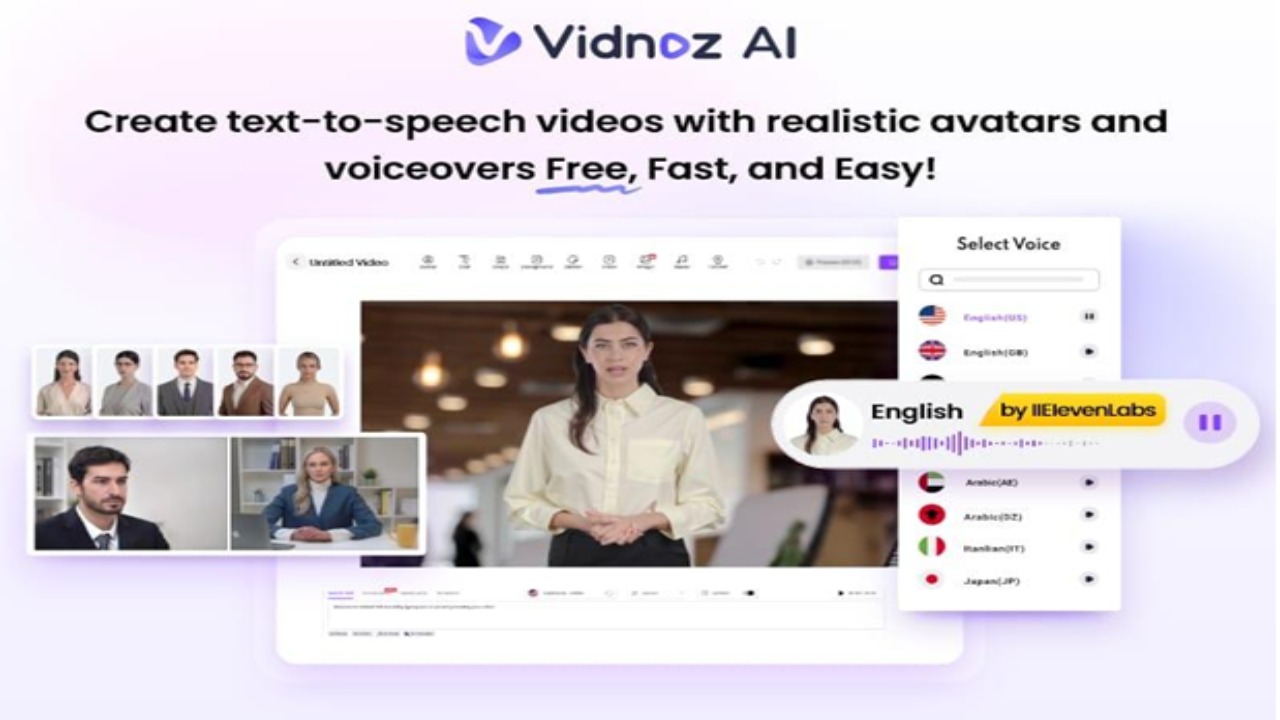
Training videos are an invaluable tool for teaching, engaging, and empowering the audience. A well-made training video can save time, improve learning outcomes, and make a lasting impact. What if you could create professional training videos in minutes? Vidnoz AI is a powerful AI video creation tool that allows you to create high-quality videos 4X faster than the traditional method. In this guide, we’ll provide a complete overview of Vidnoz AI and how this tool can personalize training modules up to 4X faster than conventional methods. Say goodbye to long production cycles and hello to smart, scalable learning, designed for the modern workforce.
Part 1: Train Like a Pro With Vidnoz AI
Vidnoz AI is a cutting-edge video creation platform designed to revolutionize the way businesses, educators, and professionals deliver training. Using advanced AI technologies, Vidnoz AI allows you to create high-quality, personalized training videos in minutes – no need for a camera, actors, or editing software. The standout feature of this tool is that it is certified with ISO/IEC 27001, providing a safe and secure environment to create high-quality training videos. Further, various AI tools are available for users to create splendid videos for learning, business, news, and social media. With its intuitive interface, customizable templates, and lightning-fast production capabilities, Vidnoz AI helps users save time, cut costs, and boost learner engagement — all without sacrificing quality.
Part 2: Top Features of Vidnoz AI for Rapid, Personalized Training
With the help of this tool, users can create personalized training videos within minutes. Here’s what sets Vidnoz AI apart when it comes to creating high-impact training content:
-
2800+ Video Templates
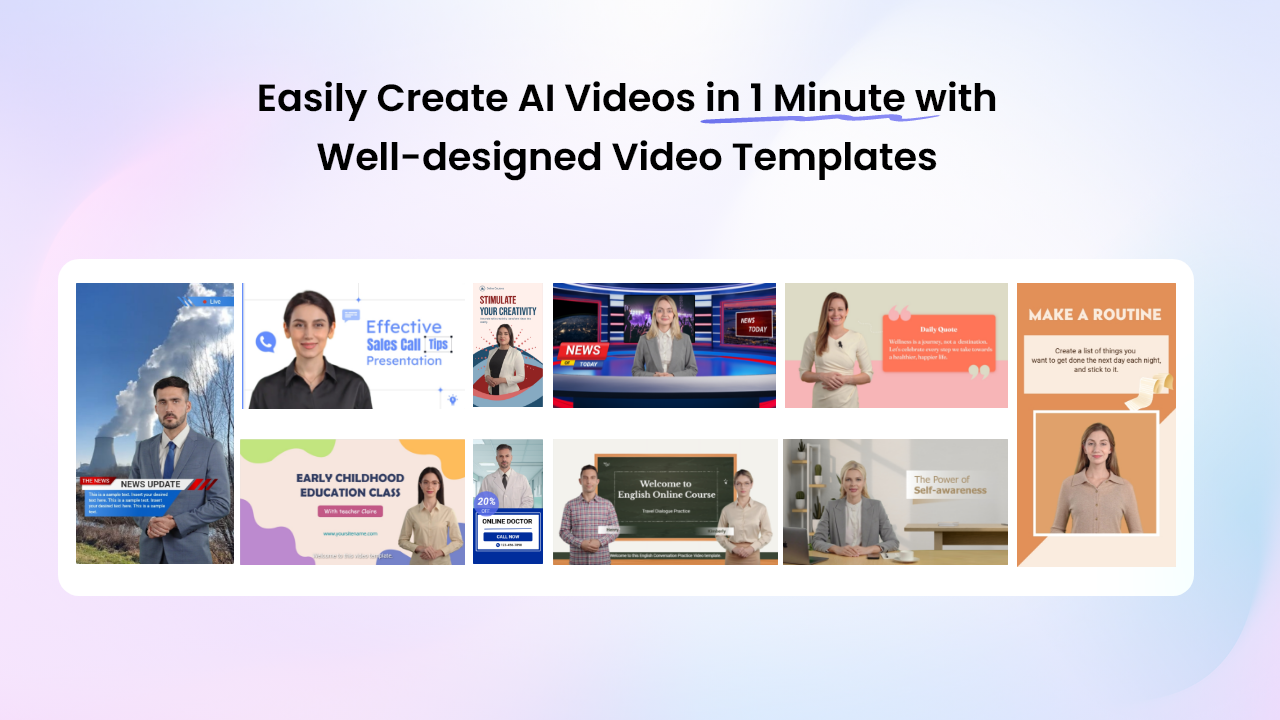
Vidnoz AI allows users to create different types of videos, including how-to guides, training, corporate, tutorials, and more. Using 2800+ video templates, users can generate professional-looking videos immediately with no hassle.
-
Realistic AI Avatars
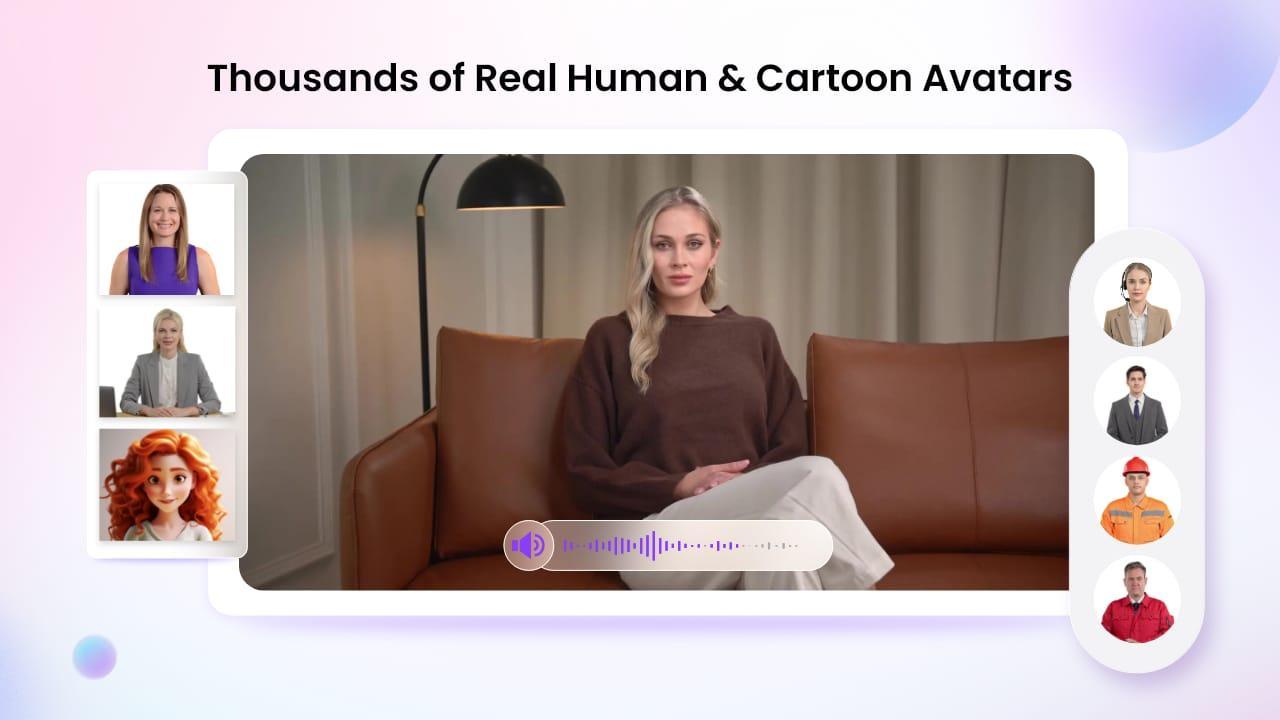
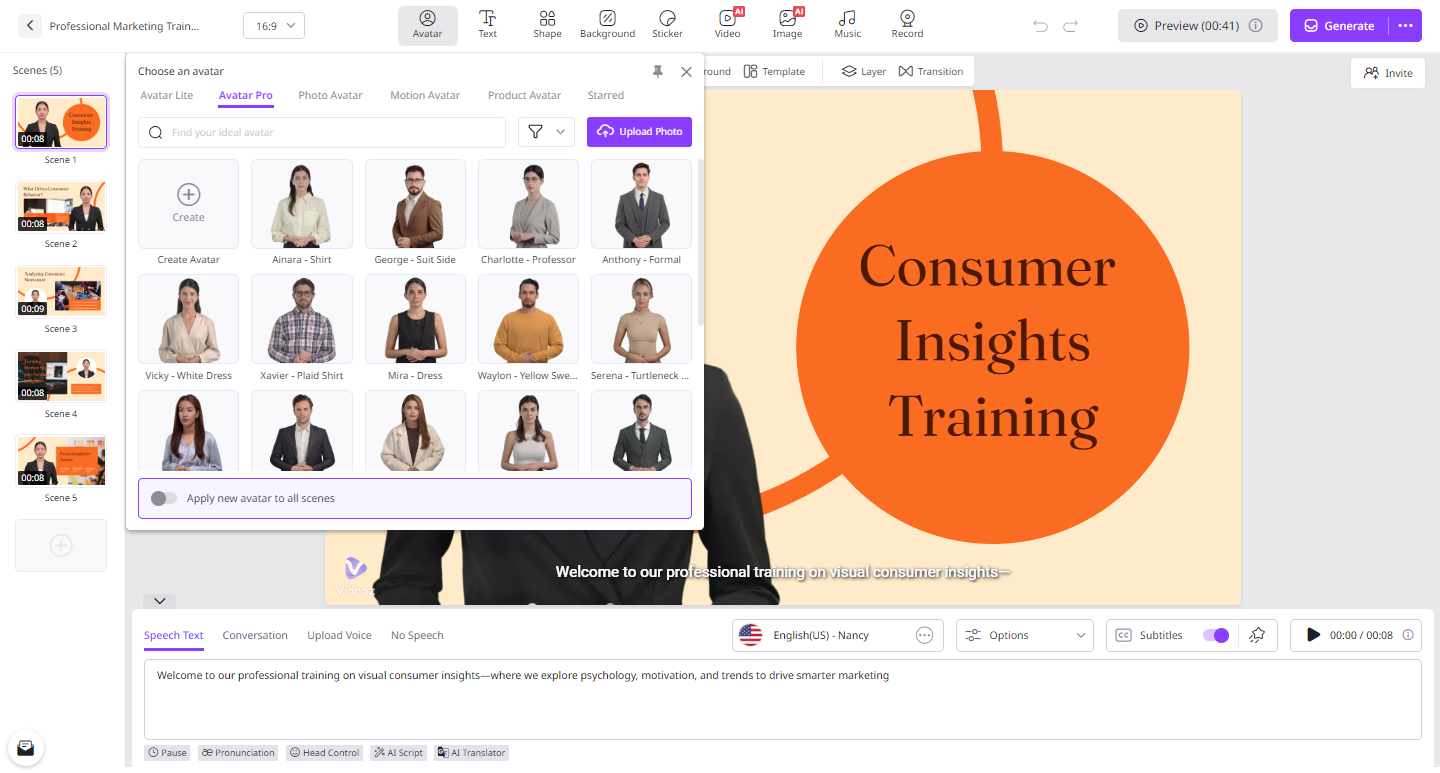
The program provides over 1600+ lifelike avatars from different industries and roles such as doctors, hosts, customer supporters, students, and teachers. All avatar available on this program comes with “Head Pose and Expression Control” features. Further, Avatar Lite allows you to create a digital twin, and Avatar Pro provides advanced customization.
-
High-Quality Voices
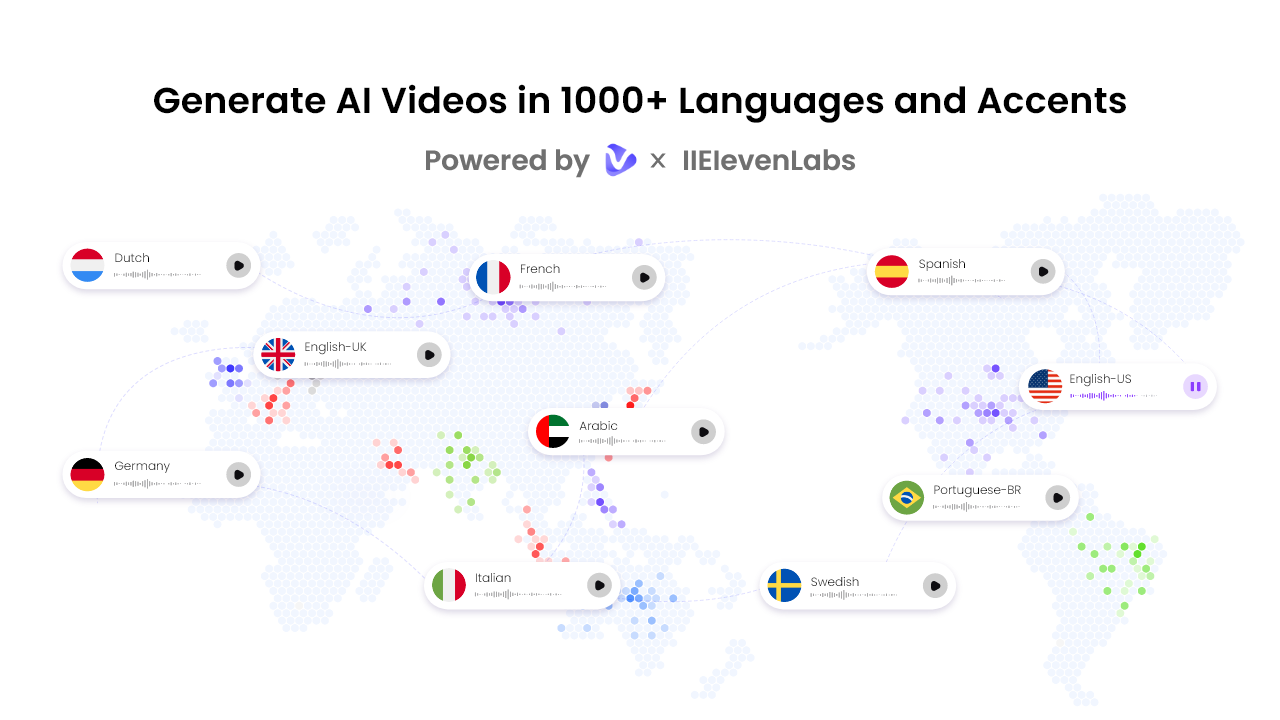
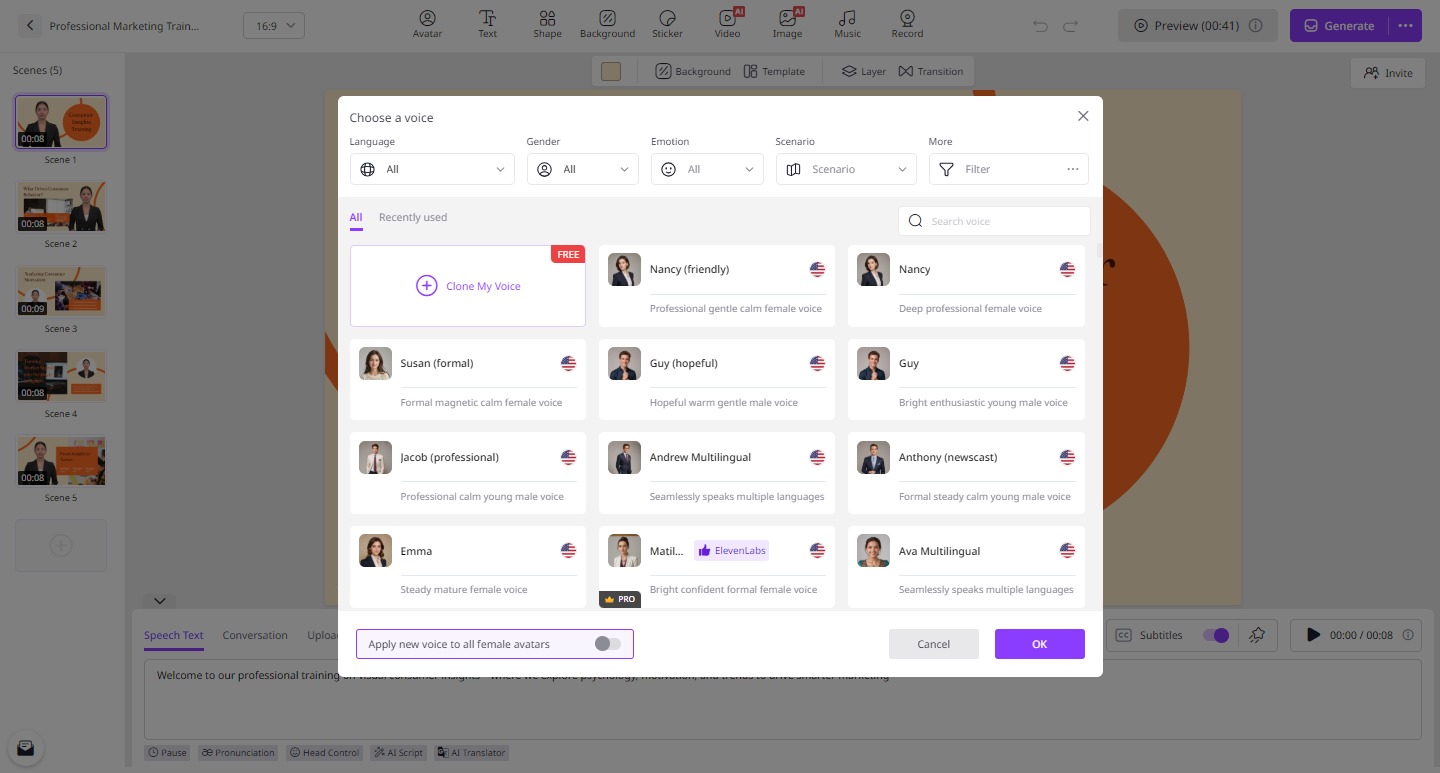
With Vidnoz AI, you will get 1830+ AI voices in over 140+ languages, including English and Spanish. The standout feature of this tool is that all voices are powered by ElevenLabs, Google, and Microsoft. Vidnoz AI offers a huge voice library of singers, celebrities, musicians, and more.
-
AI Video Wizard
The program allows you to create videos without any technical expertise or editing experience. Simply input text or any source material, and this program will generate high-quality videos using your data.
-
Free and User-Friendly Interface
It offers a free version, which includes advanced features such as Avatar Lite, Online Video Editor, Text-to-Video, and more. With the free version, you can create a 3-minute video daily. Plus, it boasts a simple and user-friendly design with an intuitive interface that allows even those with no editing experience to create full videos effortlessly.
Part 3: Types of Training Videos You Can Create With Vidnoz AI
Vidnoz AI allows users to create a wide range of training videos tailored to different audiences, industries, and learning goals. Below are the most popular types of training videos you can create:
-
Employee Onboarding Videos: With the help of this tool, you can create videos that introduce your company, culture, and processes to new hires.
-
Product Training Videos: Teach employees or customers how to use your product through step-by-step walkthroughs, demos, and features.
-
Skill Training: The program enables you to create skill-based training videos and seamlessly share them on popular platforms like YouTube, Instagram, and more.
-
Health & Safety Training: Deliver essential safety procedures and workplace health guidelines in an easy-to-understand visual format.
Part 4: How to Create High-Quality Training Videos With Vidnoz AI?
Looking to create high-quality training videos? Look no further! Below, we’ve mentioned the step-by-step guide for creating high-quality training videos with Vidnoz AI:
-
Open your web browser and go to the Vidnoz AI official site. Log in with your free account and select the Video Templates and Avatars.
-
Enter your video script and choose the AI voice for your avatar. The program offers 140+ languages. Select the language of your video.
-
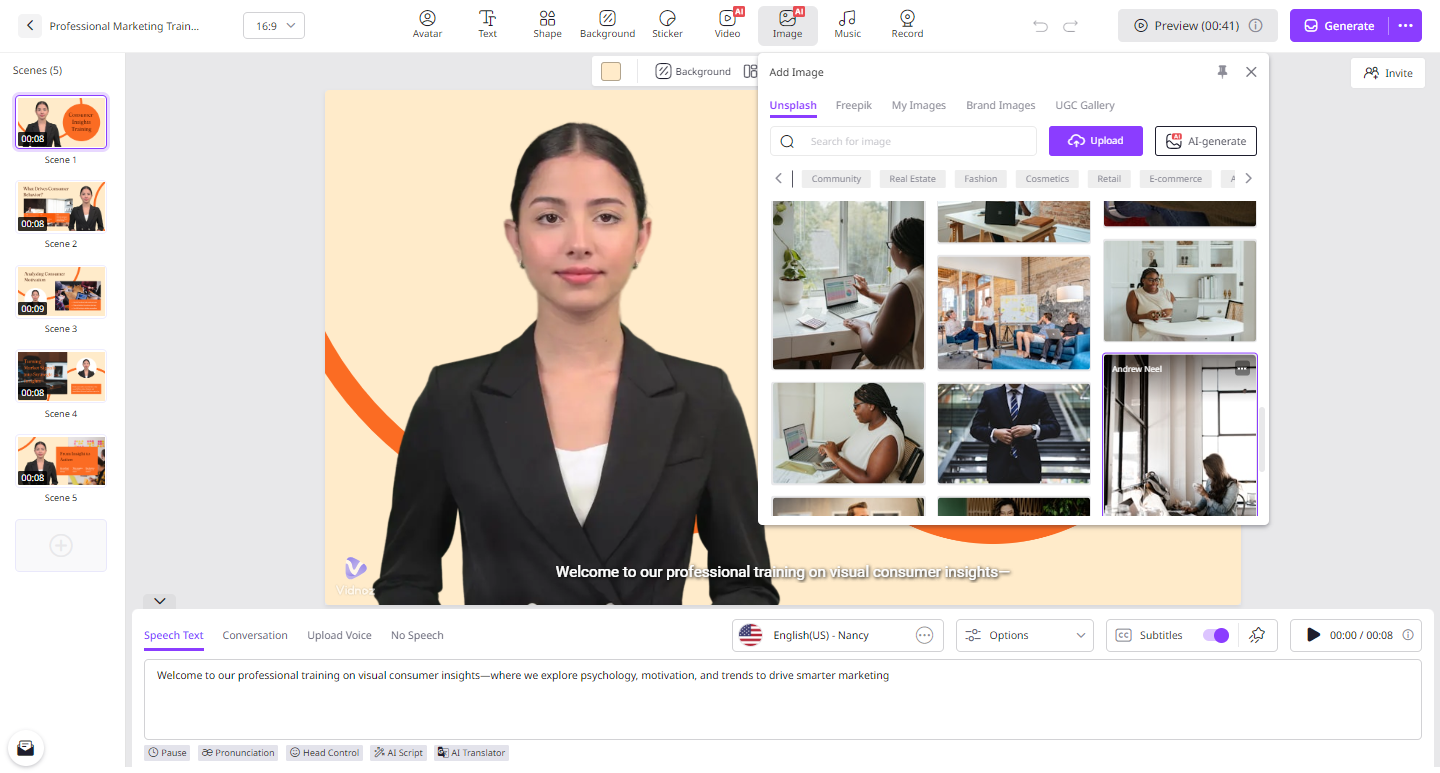
Next, use Online Video Editor to personalize training videos. It allows you to customize video templates, add background music, insert text, and more.
-
After customization, click on the “Generate” button to begin the video creation process. Within a few seconds, your video will be generated. Preview it and click on “Download” to export it in a popular format.
Part 5: Conclusion
If you’re looking for a faster way to create training videos, you’re in the right place. In this guide, we have introduced you to the best AI video generator known as Vidnoz AI. This tool allows you to create high-quality training videos at 4X speed.
Read Also: Hina Khan Joins Laughter Chefs 2 With Rocky Jaiswal